October 18, 2026 · budgeting · tracking · apps
How to Use Financial Dashboards to Understand Your Money
A financial dashboard can turn scattered balances and transactions into a useful money snapshot. Learn which numbers to watch, how to interpret them, and how to turn insights into action.
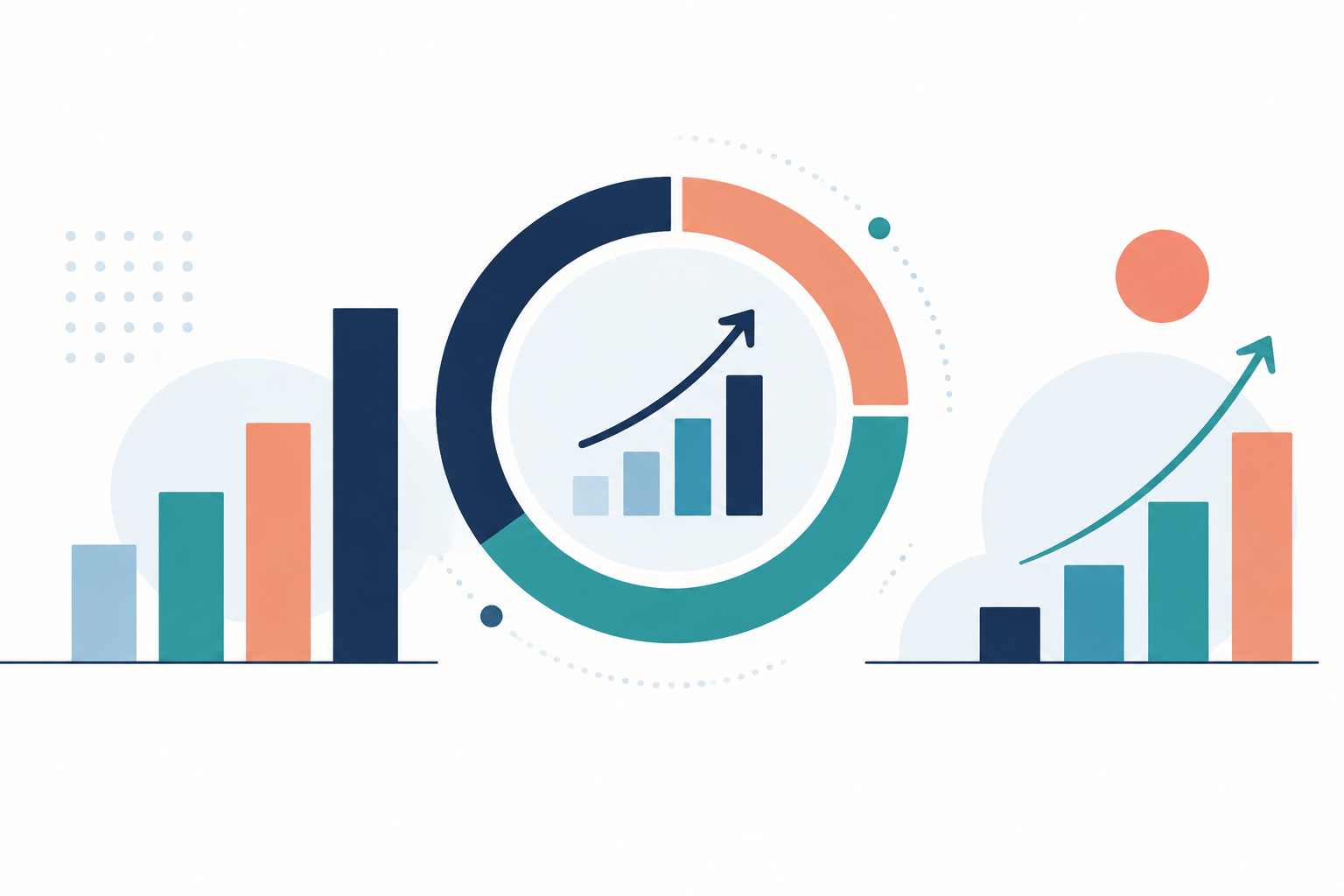
A financial dashboard brings important money information into one view. Instead of opening three banking apps and guessing whether you can afford dinner out, you can see what came in, what went out, and what still needs to be paid.
The value is not the colorful chart. It is the decision the chart helps you make. A useful dashboard should answer a few practical questions without requiring you to become an accountant.
Here is how to build a view of your finances that leads to better choices rather than more screen time.
Start with the questions you need answered
Before choosing widgets or categories, decide what you want to understand. Most households can start with four questions:
- Do I have enough cash for upcoming bills?
- Am I spending more than I bring home?
- Which categories are putting pressure on my budget?
- Am I making progress toward savings and debt goals?
These questions call for different numbers. Your checking balance answers none of them completely. A $2,400 balance might look comfortable until you notice that $1,700 in rent and a $450 loan payment are due before payday.
A dashboard should help connect today's balances with tomorrow's obligations.
Build a small set of useful measurements
Start with take-home income, spending, upcoming bills, and goal progress. Add debt balances and savings balances if they support your decisions.
For each measurement, check what it actually includes. Does income include a transfer from savings? Does spending include your credit card payment as well as the purchases on that card? Those definitions can change the story dramatically.
For example, suppose your dashboard shows:
- Monthly take-home pay: $4,200.
- Purchases and household bills: $3,450.
- Transfer to emergency savings: $300.
- Remaining monthly cushion: $450.
The savings transfer is not consumption, but it still reduces the cash available to spend. Your dashboard should distinguish spending from transfers while showing both effects on your plan.
The Consumer Financial Protection Bureau's budgeting resources offer a helpful foundation for organizing income and expenses before you interpret the charts.
Compare like with like
A dashboard becomes misleading when its time periods do not match. Comparing twelve days of spending with a full month's income can make your finances look healthier than they are.
Use complete months for historical comparisons. For the current month, compare actual spending with a realistic plan that accounts for bill timing.
If your grocery budget is $480 and you have spent $300 halfway through the month, you have $180 remaining. That does not automatically mean you failed. Perhaps you bought pantry staples that will last three weeks.
Look at the transactions behind the total before changing your behavior. A chart is a prompt to investigate, not a verdict.
Separate your account balance from spendable cash
Your available bank balance may exclude bills that have not posted. It may also include money already assigned to another purpose.
Imagine this snapshot:
- Checking balance: $2,100.
- Bills due before the next paycheck: $1,250.
- Planned grocery and transportation costs: $280.
- Minimum checking buffer: $200.
That leaves $370 unassigned: $2,100 minus $1,250 minus $280 minus $200.
This is a more useful starting point for an optional purchase than the headline balance. Even then, check for pending transactions and irregular expenses before spending the entire remainder.
If your dashboard does not calculate this figure, add a simple note or maintain the calculation separately.
Use category trends to find one worthwhile adjustment
Categories help you identify patterns, but too many can create busywork. Start with a manageable set such as housing, food, transportation, health, personal spending, and debt payments.
Suppose restaurant spending rises from $180 to $310 while grocery spending stays near $420. Reviewing the details reveals that rushed weekday lunches account for $96 of the increase.
A targeted response is more useful than declaring a total spending freeze. Bringing lunch twice a week might reduce next month's restaurant bill by $60 without changing weekend plans.
SpeakCents can fit into this routine as a voice-first way to record expenses while the context is still fresh. A dashboard becomes more informative when everyday purchases are captured consistently.
Check the information behind the display
Whether data arrives automatically or manually, review it for missing accounts, duplicate entries, and misclassified transactions.
Pay particular attention to:
- Transfers incorrectly counted as income or expenses.
- Credit card payments counted again after purchases were recorded.
- Refunds assigned to an unrelated category.
- Pending charges appearing alongside their final posted versions.
- Shared expenses that have not yet been reimbursed.
If you buy a $120 household item and a roommate repays $60, your final share is $60. Depending on your tracking method, record the reimbursement against that category rather than treating it as wages.
Consistency matters more than a fancy layout.
Create a ten-minute review routine
Choose a weekly review time and follow the same sequence: verify transactions, check upcoming bills, compare flexible spending with the plan, and choose one next action.
Once a month, step back and review savings progress and debt balances. You do not need to watch long-term measurements every day.
A useful dashboard should reduce uncertainty, not encourage constant checking. If a metric never changes a decision, consider removing it.
Turn the snapshot into one next step
Open your dashboard and identify one number you do not fully understand. Check its transactions and definition, then use it to make one concrete decision: move $50 to savings, reserve money for a bill, or adjust next week's food spending.
The best financial dashboard is not the one with the most information. It is the one that helps you see your situation clearly enough to act.
Try SpeakCents on your own money
Track spending by voice, keep budgets honest, and see where your money goes.
Get started free