
October 18, 2026 · Voice · Expense Tracking
What Is a Voice Expense Tracker and How Does It Work?
Learn how voice expense tracking turns spoken purchase details into transaction records, what to include, and why every automated entry still needs review.
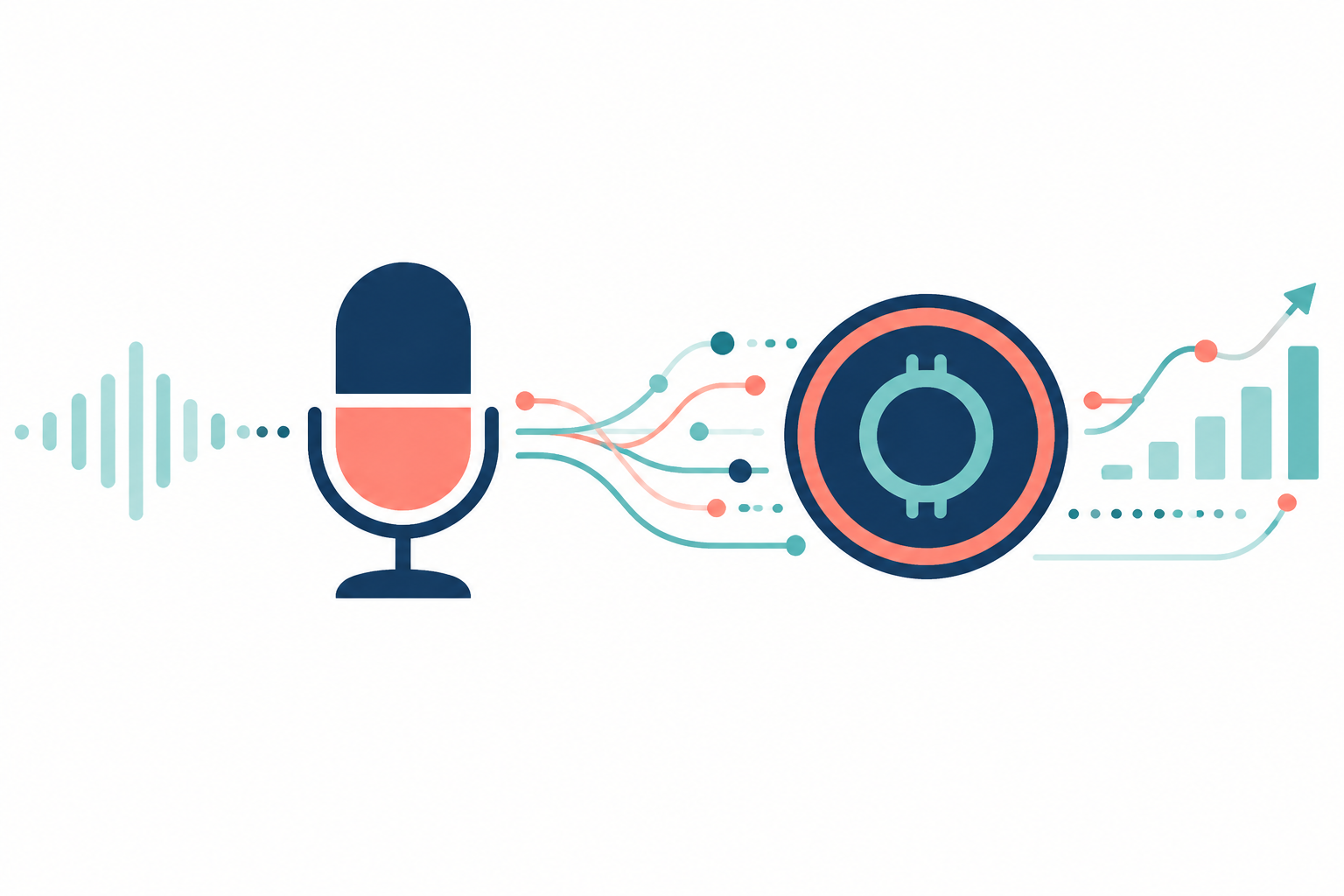
A voice expense tracker lets you record financial details by speaking rather than typing them into a form. You might say, “I spent $18 on groceries today,” and the software attempts to interpret that as a transaction.
Voice is an input method, not a guarantee of accuracy. You still need to check the amount, date, currency, account, and category that were recorded.
What usually happens after you speak?
A typical workflow captures audio, transcribes speech, interprets the transaction details, and creates or prepares a record. The exact steps, confirmation process, and processing location depend on the app.
Do not assume every voice tracker works offline or processes audio only on your device. Review the provider’s privacy policy and permissions before using it.
What details should you include?
A clear request includes the amount, what the purchase was for, and the date when it is not today. Depending on the app and your setup, account or currency details may also matter.
For example, “Record $24.80 for groceries yesterday” is more specific than “Add shopping.” Examples illustrate the type of information to provide; exact supported wording and behavior can vary.
How SpeakCents fits
SpeakCents supports voice-based transaction entry and money questions. It also supports starting without linking a bank account, so voice recording is not inherently dependent on imported bank activity.
Microphone permission is needed for speech input. Current plan limits and account-connection eligibility still apply; check the product’s current pricing and terms instead of assuming unlimited access to every feature.
Where mistakes can happen
Background noise, accents, unclear dates, similar merchant names, and ambiguous numbers can lead to errors. A phrase such as “fifteen” may be misheard, and “last Friday” requires interpretation.
Check the resulting transaction and correct anything inaccurate. If an expense was already imported from a connected account, manually recording it again can create a duplicate unless the workflow identifies or avoids it.
What voice entry can and cannot do
It offers another way to capture information and may suit people who prefer speech to typing. That convenience does not establish that users save more, track more consistently, or receive better financial advice.
A voice tracker also does not automatically cancel subscriptions, verify a bank balance, or make financial decisions for you. Evaluate the actual product capabilities separately from the input method.
Privacy and practical use
Avoid speaking sensitive details where others can hear them. Review what audio, transcripts, and transaction data the provider processes, stores, or shares, and how to delete account data.
For SpeakCents-specific disclosures, use the current privacy policy. Do not infer security or retention guarantees from the presence of a microphone button.
Do I need a bank connection?
Not necessarily. SpeakCents supports manual entry without a bank link. Other products may have different requirements.
Is voice better than typing?
That depends on the situation. Speech may be convenient at home; typing may be preferable in a public place or when entering complex details.
Keep reading
Track expenses without spreadsheets and AI versus traditional budgeting.
Sources and scope
SpeakCents privacy policy, SpeakCents terms, and CFPB: Spending tracker.
Product descriptions are not independent evidence of accuracy or improved financial outcomes.
Try SpeakCents on your own money
Track spending by voice, keep budgets honest, and see where your money goes.
Get started free